
FileMaker – Layout Calculations
This file demonstrates when FileMaker Performs Calculations. There is a custom Function which is called on the layout LC.
this custom Function : OrderCalc(placeFunctionCalculated) which you can call from anywhere a calculation can be made.
the Function creates a global variable which increments each time the function is called.
It writes to the $$var[0] a log of the data when the calculation was called.
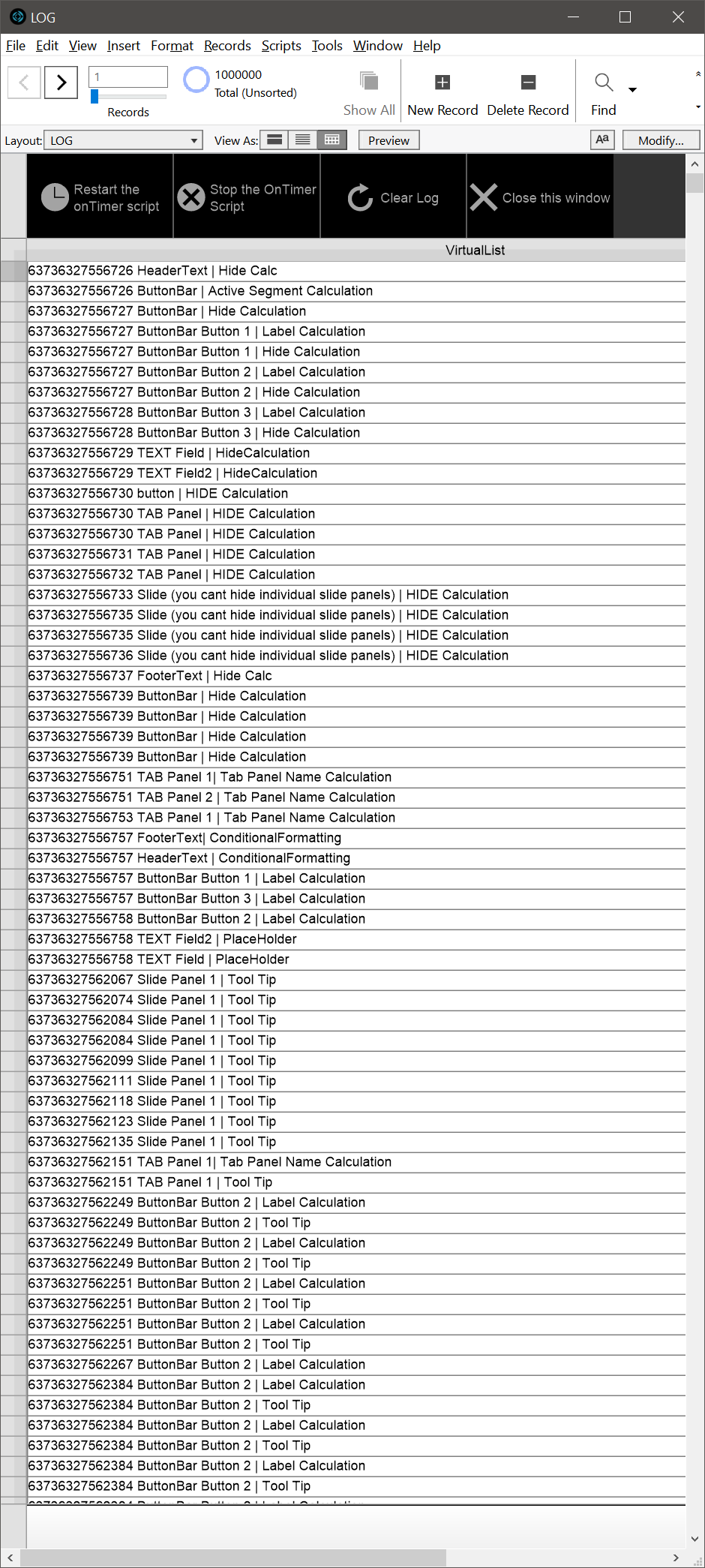
I have implemented a Log, in the form of a virtual list which shows the calculations which have happened.
On the right of your desktop, there should be a window open called LOG, this window should have onTimer script trigger running on it.
This will update the log window so you can see when things are calculating.
custom Function – OrderCalc (placeFunctionCalculated)
parameter – placeFunctionCalculated – is the information you want logged into the log variable.
This will very quickly create lots of data in the $$Var[0] variable. you may have to close FileMaker, or the data viewer if the log becomes too big and FM stops displaying the data.
I would suggest not having this file open when you have another FileMaker file open!!!
admin says:
comments welcome