Resize Text Sample File
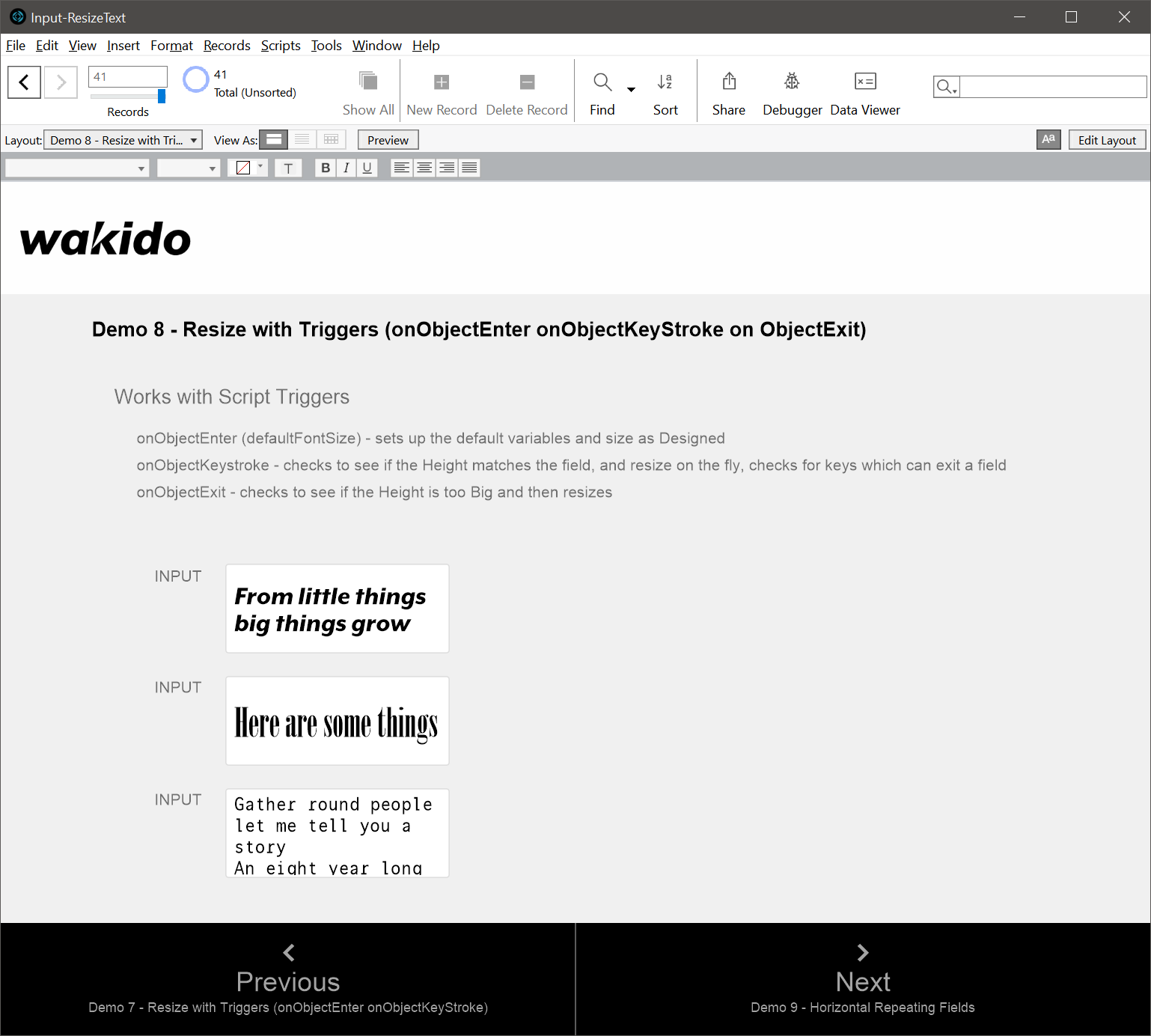
This Filemaker demo has been designed to show you one method for resizing text in a field so that the text fits within the space available.
It works by calculating the Height of the Field Object as it is rendered and compares it to the Height of the Field Object as it was designed.
If the difference in height is greater than the allowable difference, then the font size is altered until the font is rendered using the correct font size.
If anyone can point me to getting the font size of a field without styled text, please let me know – the only way I have figured out how to do this is to export the file as XML and parse it. There may be a demo for this later on
Currently the easiest way around this, is to pass the field Text Size as designed as a script parameter. Exporting XML and then parsing it takes tooooo long.
if you have any comments or questions, please leave a comment below.
admin says:
If you have any feedback or questions, please comment below..
You can remove the text.label object and replace the Go To Object [“text.label”] and replace it with Go To Field [] with no field specified to get out of the filed in the scripts.